
E-Safety
The digital world is forever evolving and the internet is a fantastic resource for us all to access, however we must teach the children how to keep themselves safe online. We must learn to understand and to use technologies in a safe, positive way and support the children to develop safe online behaviours (in and out of school).
At school, we keep children safe online through a strong web filtering system, staff awareness and vigilance, and an ongoing programme of assemblies and lessons to teach children online safety skills. We aim to equip the children with the knowledge and tools to understand the online world, recognise and report risks and ultimately stay safe.
Wake Up Wednesday Parental Guides
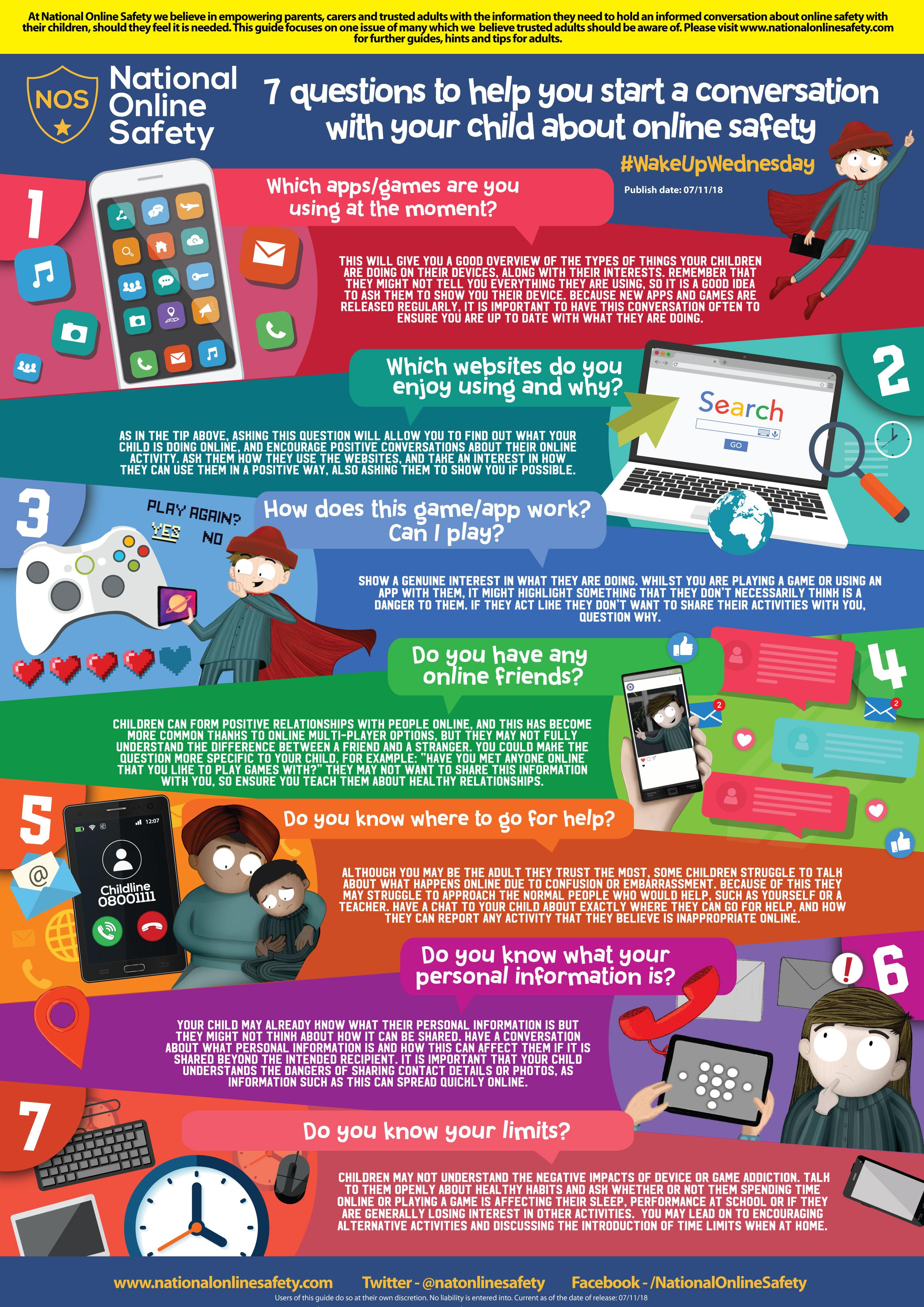
Guides for Children
There is a vast amount of information out there for parents / carers and children to access to help highlight the key aspects of keeping safe when online. Below are a number of documents / resources that we feel are useful and will help to highlight the importance of e-safety.
Internet Safety Parent Awareness session
On Wednesday 31st January, we had expert guest speaker Leon Pietrzak, who will ran a friendly and open workshop to help inform and guide parents on how to keep children safe online. Keeping your children safe online is often an area that can cause worries to develop. Together we succeed- we want to help our parents to feel confident and well equipped. Whether you were a complete novice in advancing technology or a competent user, this session provided an opportunity to stay up to date, share and receive advice and give you tools to use with your children.

An Eye-Opening Evening
Leon's session on Wednesday provided some enlightening information on how all our personal information can be easily accessed and passed on to others. He also spoke about how specific apps, many of which children in our school have access to, can be used as platforms to target young people. Stringent monitoring by parents, looking closely at the terms and conditions and controlling privacy settings can ensure that children can use age appropriate apps safely.
If you missed this session, fear not, Leon will be returning next half term to deliver another session for parents (date to be confirmed). In the meantime, there are plenty of resources and advice that can be accessed on this page.
Below you can find some handouts Leon provided at the session:
Top tips for parents
- Talk to your child about their use of the internet! Be part of what they are doing…
- Make sure you know what devices connect to the internet and how.
- Set boundaries! Be clear about how long they can be online and what they can do online.
- Keep all equipment that connects to the internet in a family space.
- Don’t forget though: encourage your child to go online and explore! There is a wealth of age-appropriate sites online for your children. Encourage them to use sites which are fun, educational and that will help them to develop online skills.
- Don’t let them lie about their age, most social media sites (such as Facebook, Twitter and Snapchat) are not for children under 13.
Click Clever, Click Safe!
The 'Click Clever, Click Safe' campaign is a simple government intervention to help educate children on internet safety.
It consists of three parts which have a specific logo; Zip it, Block it and Flag it.

Be SMART on the internet
The SMART Crew
In our Computing learning, many of the classes have looked at the following videos, which give messages about keeping ourselves safe. Why not watch and share them at home to keep the messages fresh in our minds.
The Adventures of Kara, Winston and the SMART Crew - Chapter 1 - ACCEPT
Chapter 1 of The Adventures of Kara, Winston and the SMART Crew - a cartoon from Childnet to help illustrate the 5 internet safety SMART rules.
The Adventures of Kara, Winston and the SMART Crew - Chapter 2 - RELIABLE
Chapter 2 of The Adventures of Kara, Winston and the SMART Crew - a cartoon from Childnet to help illustrate the 5 internet safety SMART rules.
The Adventures of Kara, Winston and the SMART Crew - Chapter 3 - SAFE
Chapter 3 of The Adventures of Kara, Winston and the SMART Crew - a cartoon from Childnet to help illustrate the 5 internet safety SMART rules.
The Adventures of Kara, Winston and the SMART crew - Chapter 4 - TELL
Chapter 4 of The Adventures of Kara, Winston and the SMART Crew - a cartoon from Childnet to help illustrate the 5 internet safety SMART rules.
The Adventures of Kara, Winston and the SMART Crew - Chapter 5 - MEETING
Chapter 5 of The Adventures of Kara, Winston and the SMART Crew - a cartoon from Childnet to help illustrate the 5 internet safety SMART rules.
Digital Parenting
If you have Wi-Fi at home and you let your child have hand held devices- particularly in their bedrooms- you may have to monitor their usage much closer. Your child works hard at school and we need them to arrive well rested and nourished. Please monitor them very closely to support fun usage with regular breaks!
Help protect your child online by clicking on the links below where you will find some useful advice and tips.
http://www.childnet.com/resources
https://www.commonsensemedia.org/
Internet Safety Videos
These videos are just a selection of internet safety clips that deliver powerful messages in a child-friendly format. You could watch some of these clips together as a family and use them to initiate a discussion on internet safety.
Child Focus 'E-safety'
One of the key missions of Child Focus is prevention. This clip was made as an e-safety awareness campaign for children between 4 and 8 years, it teaches children to ask for help if they see something strange online.
CEOP KS1 Film : 'Lee & Kim' Cartoon Suitable 5 yrs -- 7 yrs
This 8 minute animation introduces Lee & Kim, a brother and sister navigating the online world with the help of their trusted superhero friend SID! Although it is primarily aimed at KS1 children, do not underestimate how powerful and relevant this video is for KS2 children. This cartoon is produced by the Child Exploitation Online Protection Centre (CEOP) as part of their ThinkuKnow Programme, which is being rolled out throughout Primary Schools in the UK.
Jigsaw: for 8 -10 year olds
This is from CEOPs Thinkuknow education programme that helps children to understand what constitutes personal information. It enables children to understand that they need to be just as protective of their personal information online, as they are in the real world.
Play Like Share: Episode 1
This is Play Like Share Episode 1/3 from Thinkuknow, the NCA-CEOP Command's education programme. Play Like Share aims to help 8-10 year olds learn how to stay safe online. The series follows the adventures of Sam, Ellie and Alfie as they form a band and enter their school's Battle of the Bands contest, taking on the mean but 'cool' Popcorn Wizards as they go.
Play Like Share: Episode 2
This is Play Like Share Episode 2/3 from Thinkuknow, the NCA-CEOP Command's education programme. Play Like Share aims to help 8-10 year olds learn how to stay safe online. The series follows the adventures of Sam, Ellie and Alfie as they form a band and enter their school's Battle of the Bands contest, taking on the mean but 'cool' Popcorn Wizards as they go.
Play Like Share: Episode 3
This is Play Like Share Episode 3/3 from Thinkuknow, the NCA-CEOP Command's education programme. Play Like Share aims to help 8-10 year olds learn how to stay safe online. The series follows the adventures of Sam, Ellie and Alfie as they form a band and enter their school's Battle of the Bands contest, taking on the mean but 'cool' Popcorn Wizards as they go.
Useful Articles
Safer Internet Day 2018: a parent's guide

All you need to know about the global initiative that encourages safe internet use.
Understanding online shaming

Here is some advice on what to do if your child is caught up in online shaming.
Child-friendly T&Cs: what parents should know
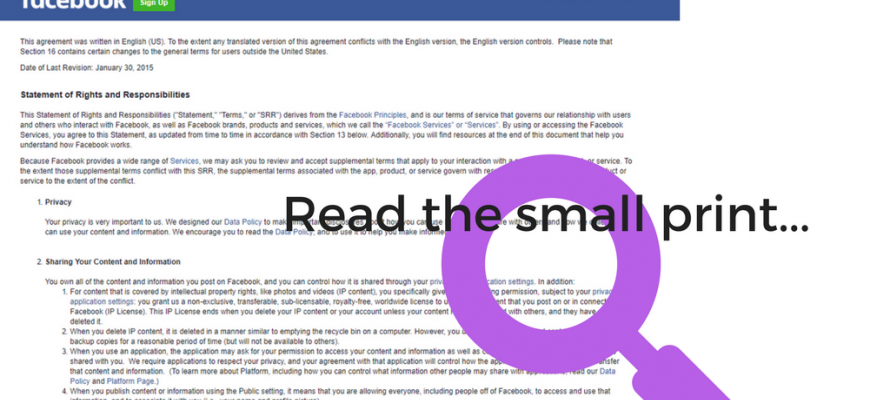
What exactly is your child signing up for when they tick that little box to use an online service? By Parent Zone.
How to spot fake news
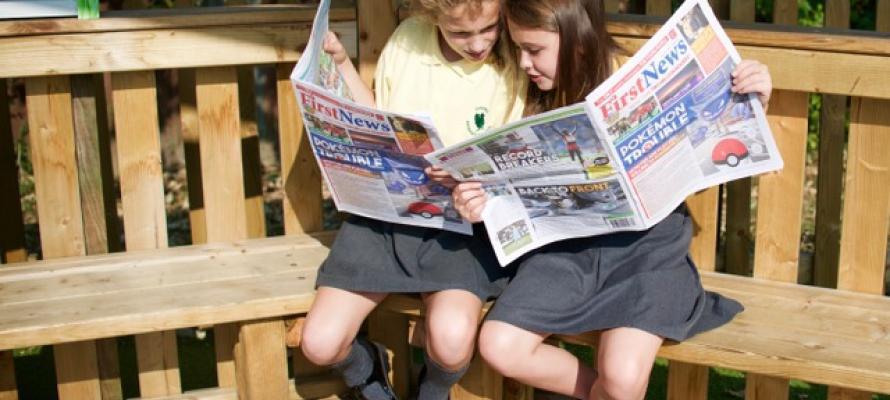
We’ve heard a lot about fake news recently but what is it?
Nicky Cox, editor in chief of First News, offers advice for parents.
7 ways to help your child's digital footprint

Top tips on how to help your child make their online presence work for them from women's health educator Rachel Rosen.
Connected toys: not just child’s play
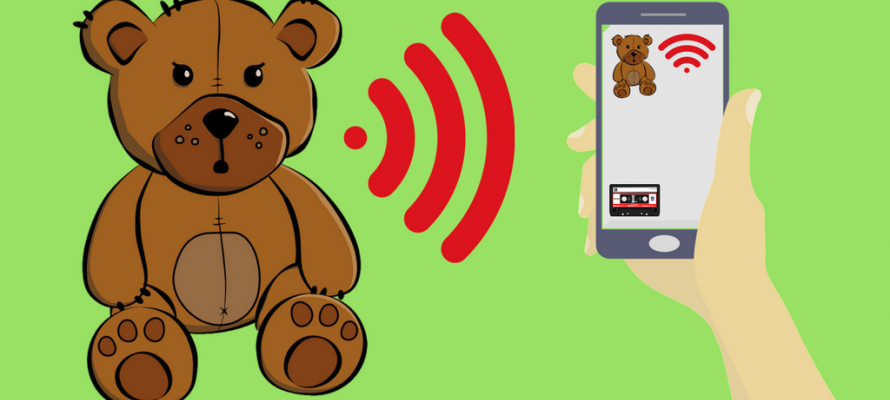
Advice on the security risks of smart toys that talk to the internet.
PEGI games ratings explained
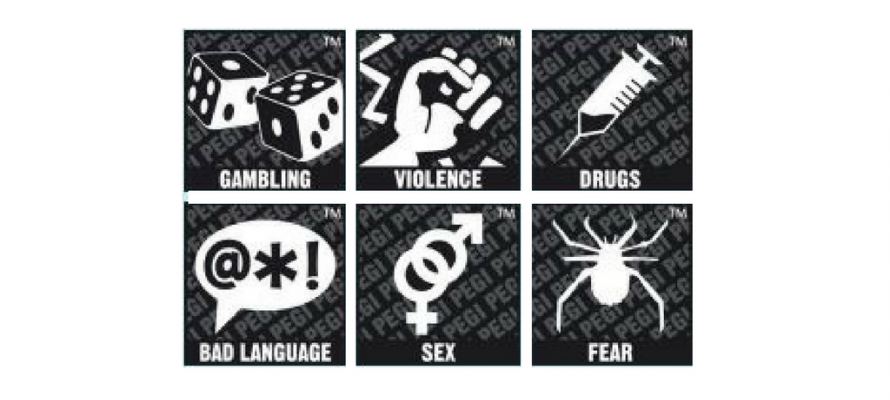 Sometimes it can be tricky to decide if a game is appropriate for your child. Here are Video games ratings explained in full.
WhatsApp: a guide for parents and carers

Teenagers love WhatsApp – as do a lot of parents. Here's what you need to know about it.
How to protect your child from trolls

Sadly, once your child explores the online world, they may find a troll waiting for them. Here's how to help them cope.
Instagram FAQs

Instagram is now bigger than Twitter. What's the big attraction? And is there anything you need to know?
Instagram – what are the issues?

Some tips on responsible – and safe – use of Instagram.
YouTube: what parents need to know
 Kids can't get enough of the video sharing site, many of the older children in school express interest and idolise Vloggers but how appropriate is the video content? Read CEOP's comprehensive guide to everything parents need to know about it. Click the link on the external webpage to view the full guide.